


User Guide
How to Use Gest Cashless Devices
Learn how to use a cashless payment system for vending machines, dobi and self-service businesses in Malaysia.
Step 1
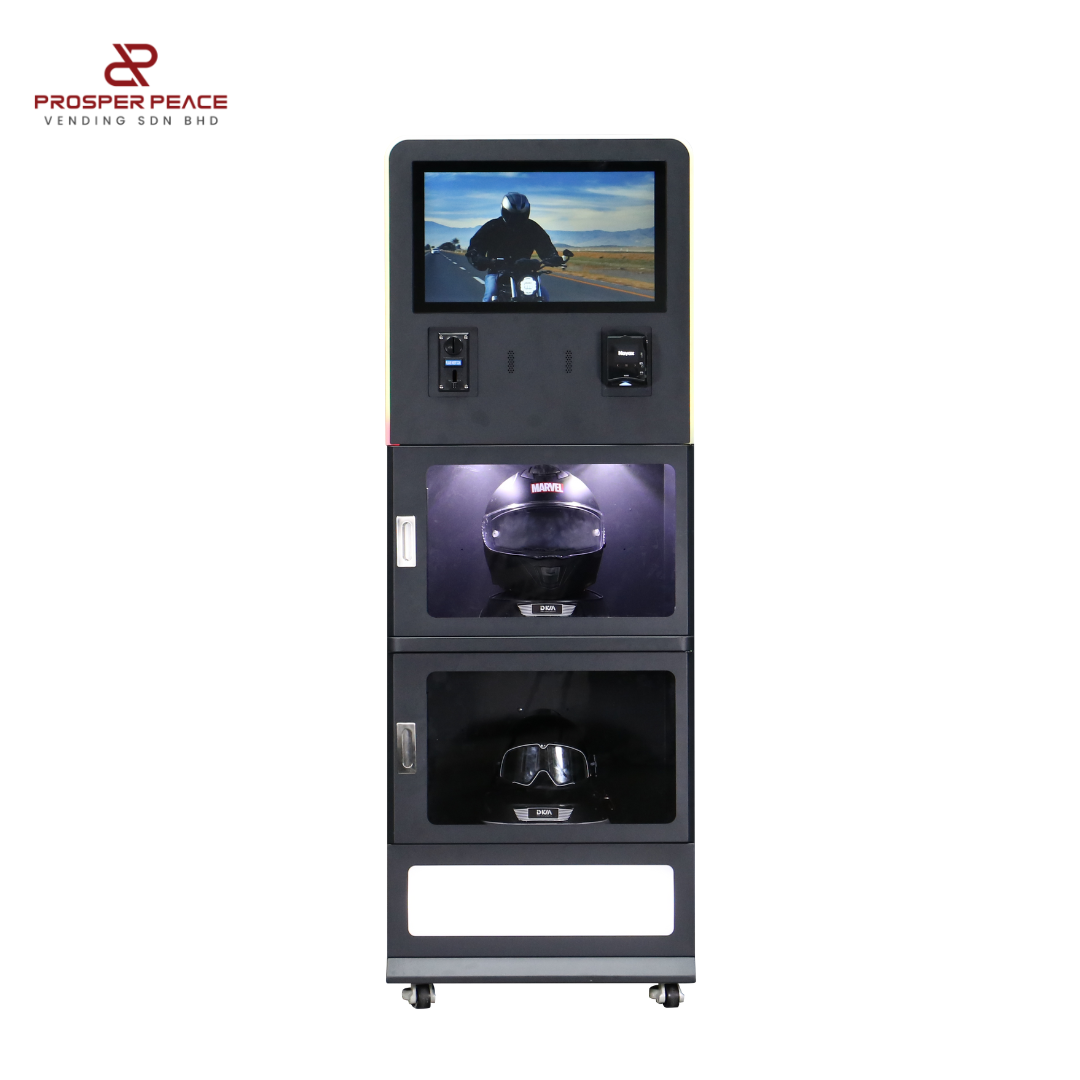
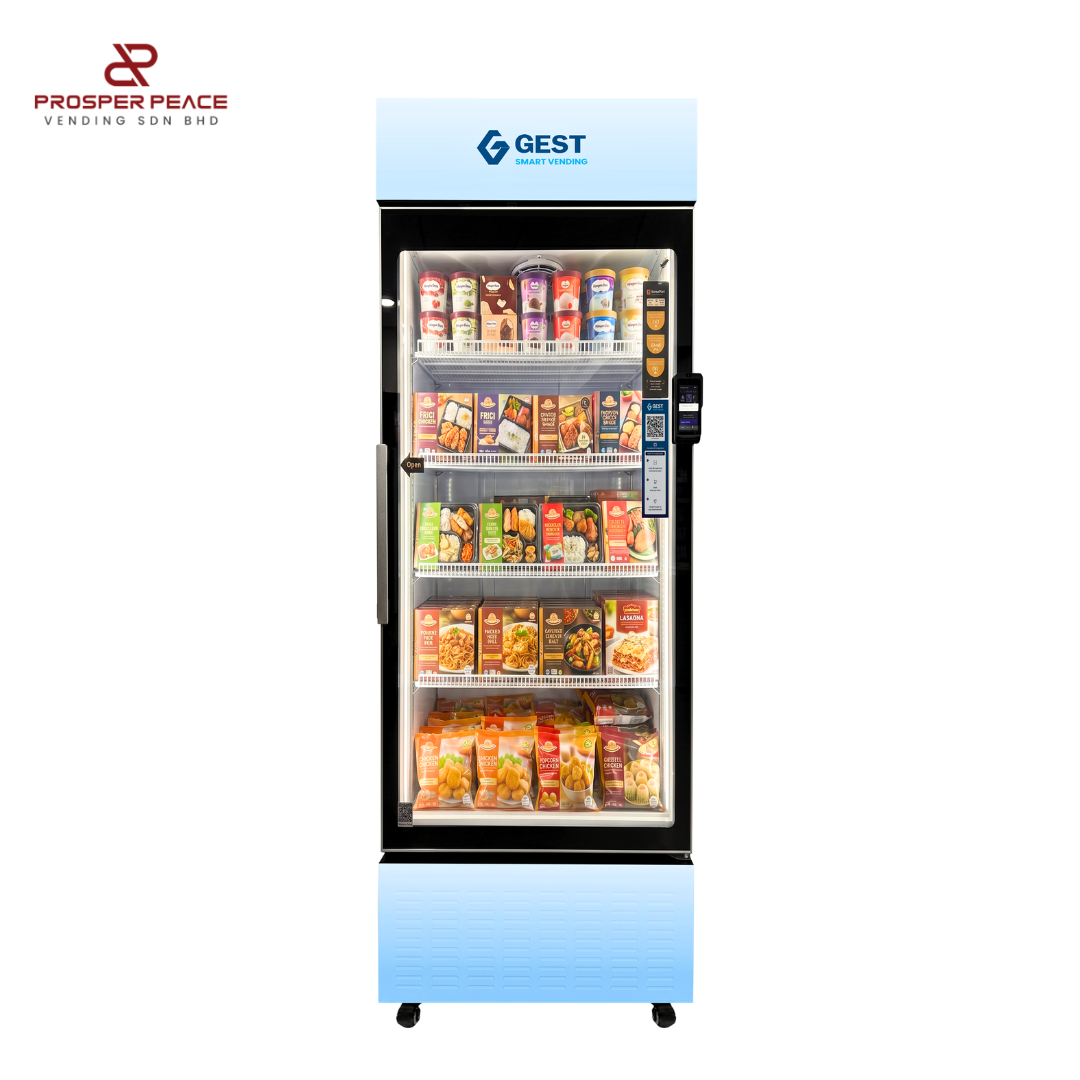
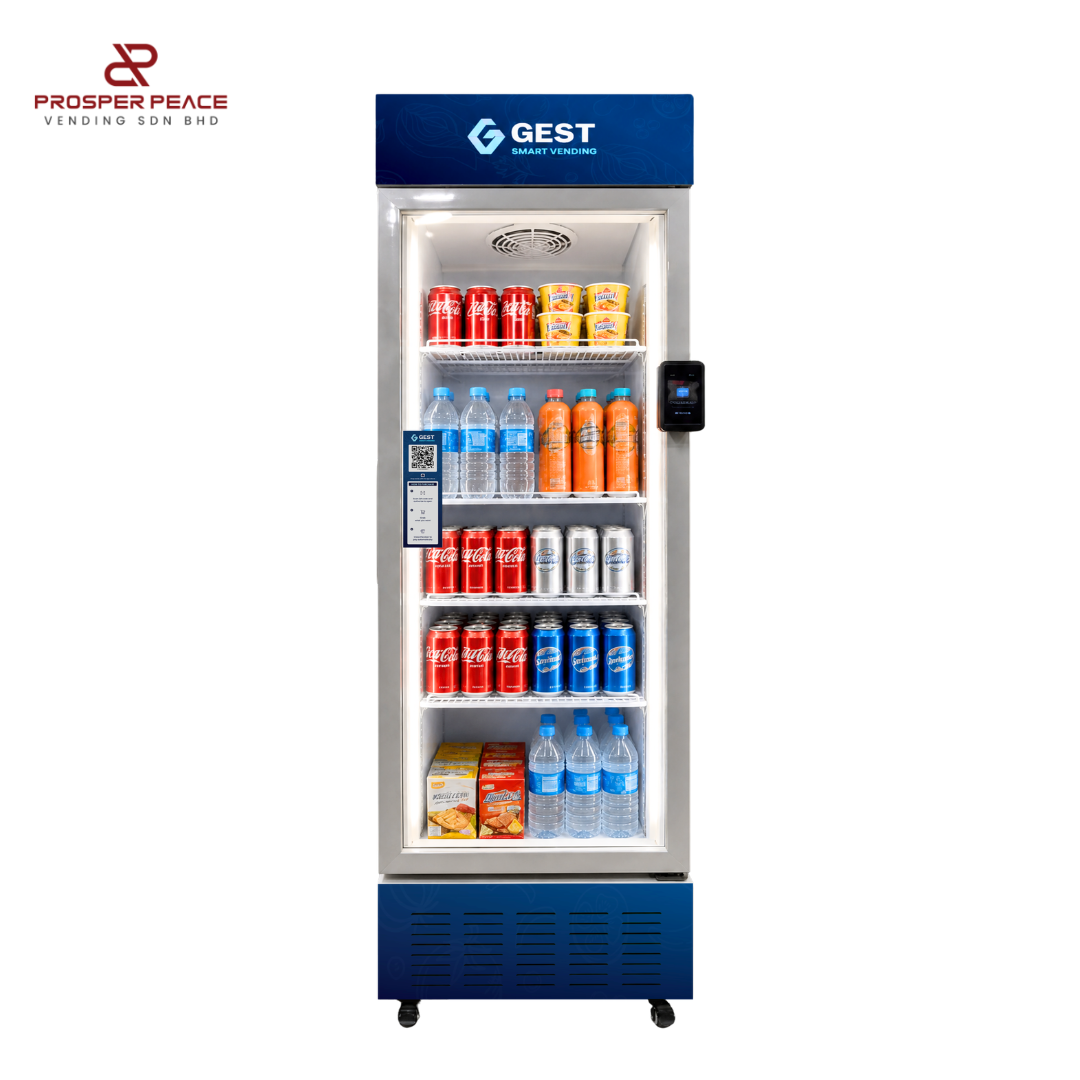
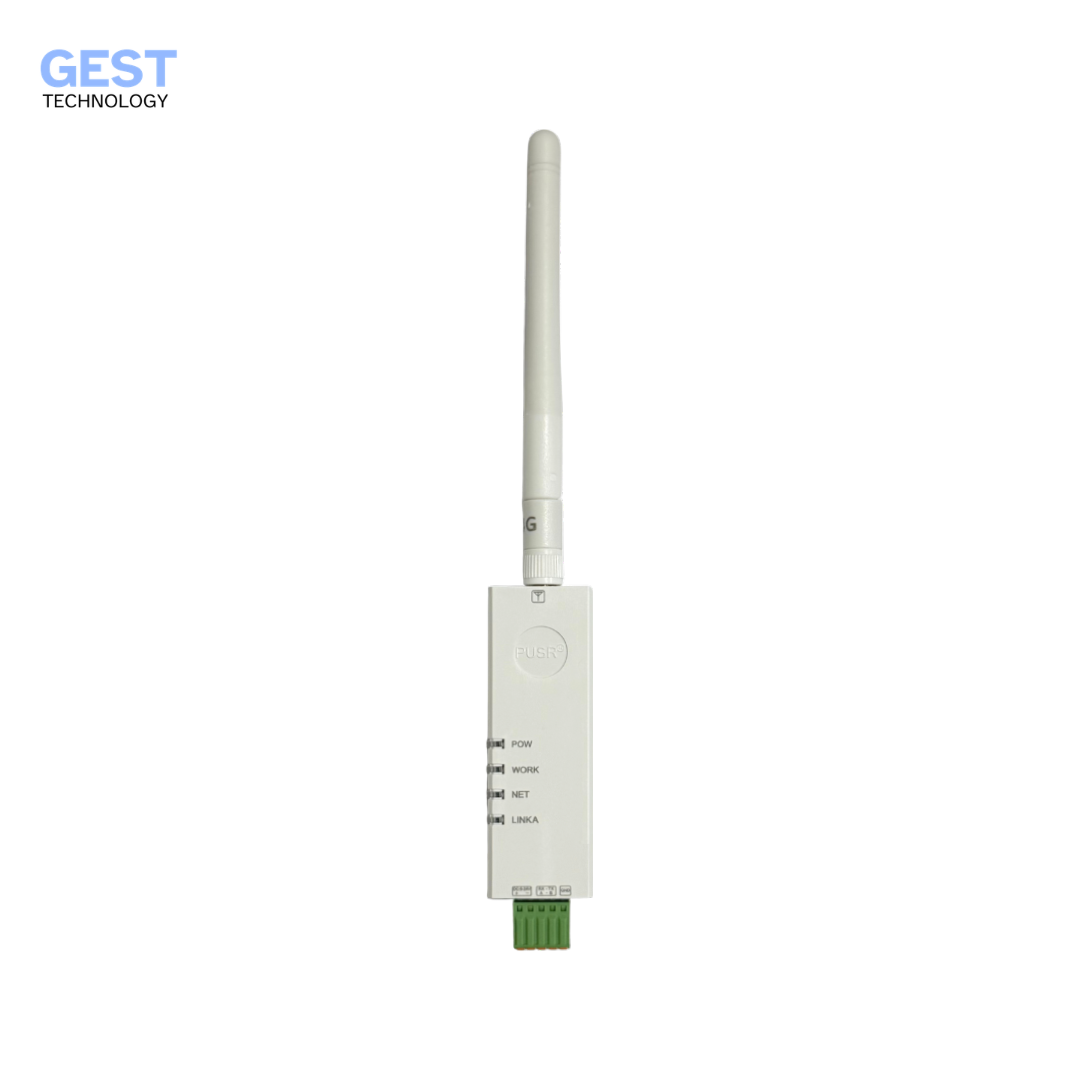
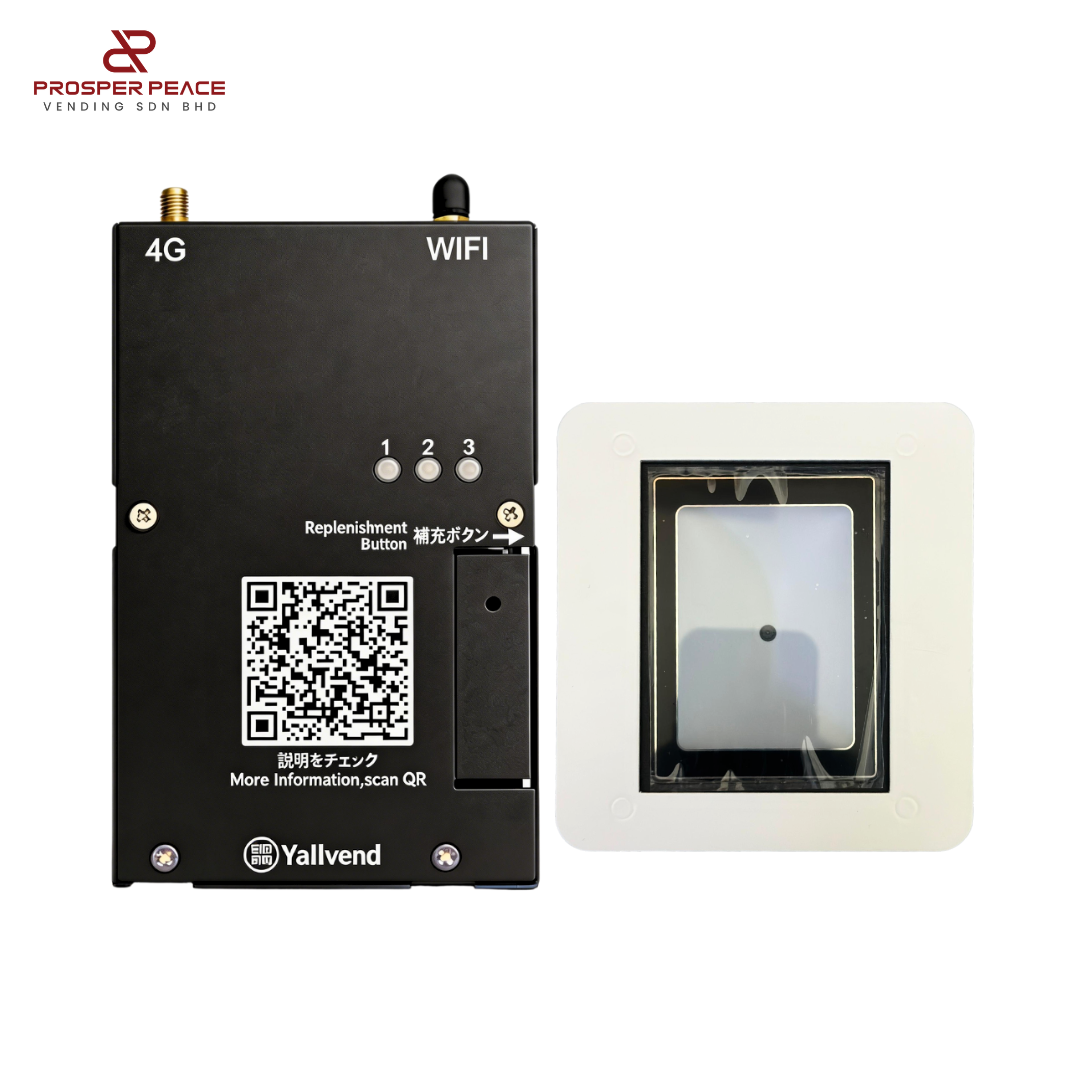
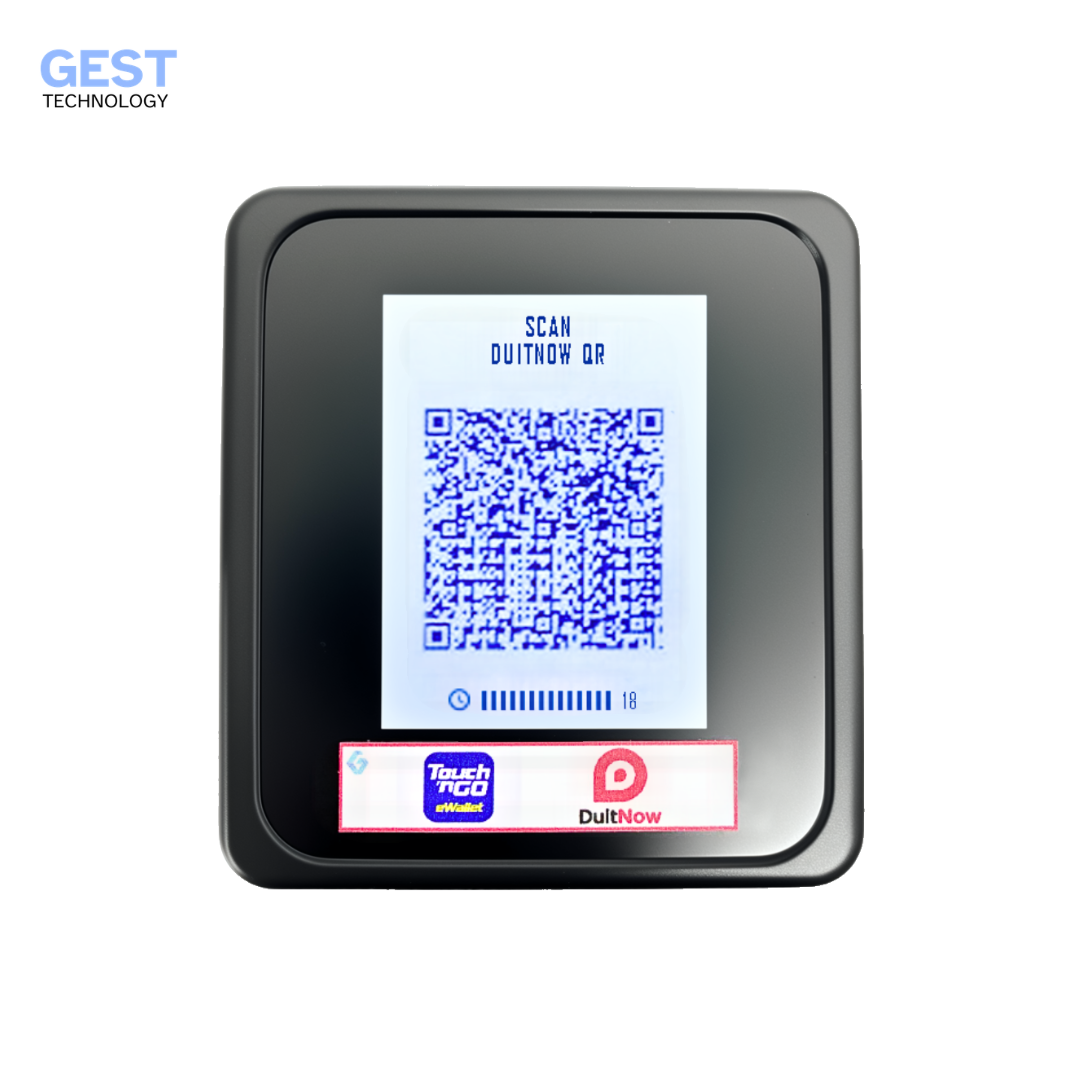
Select Your Device
Choose your device model to view tutorials and guides.
Step 2
Quick Start Guide
Get your device up and running in 3 simple steps.
 1
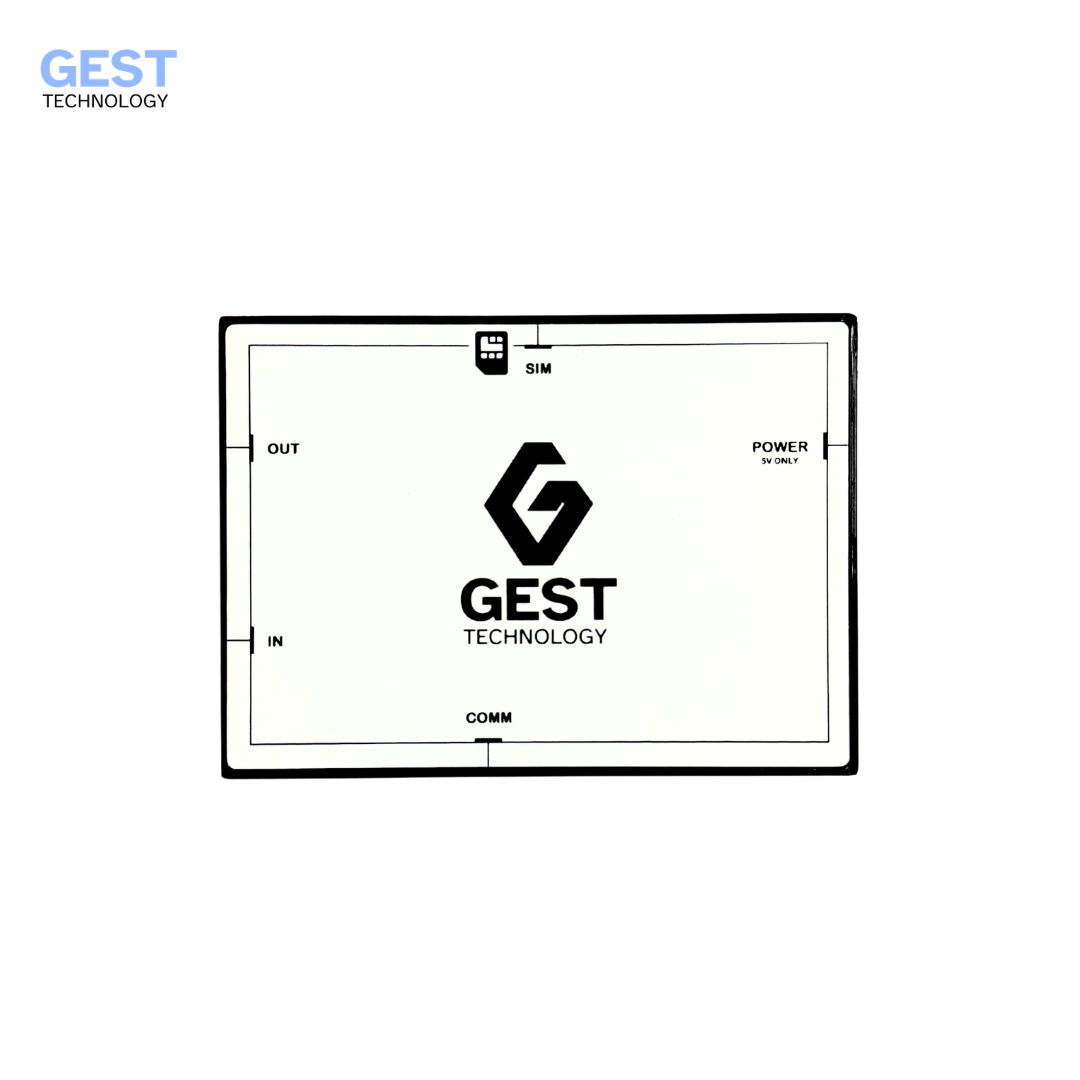
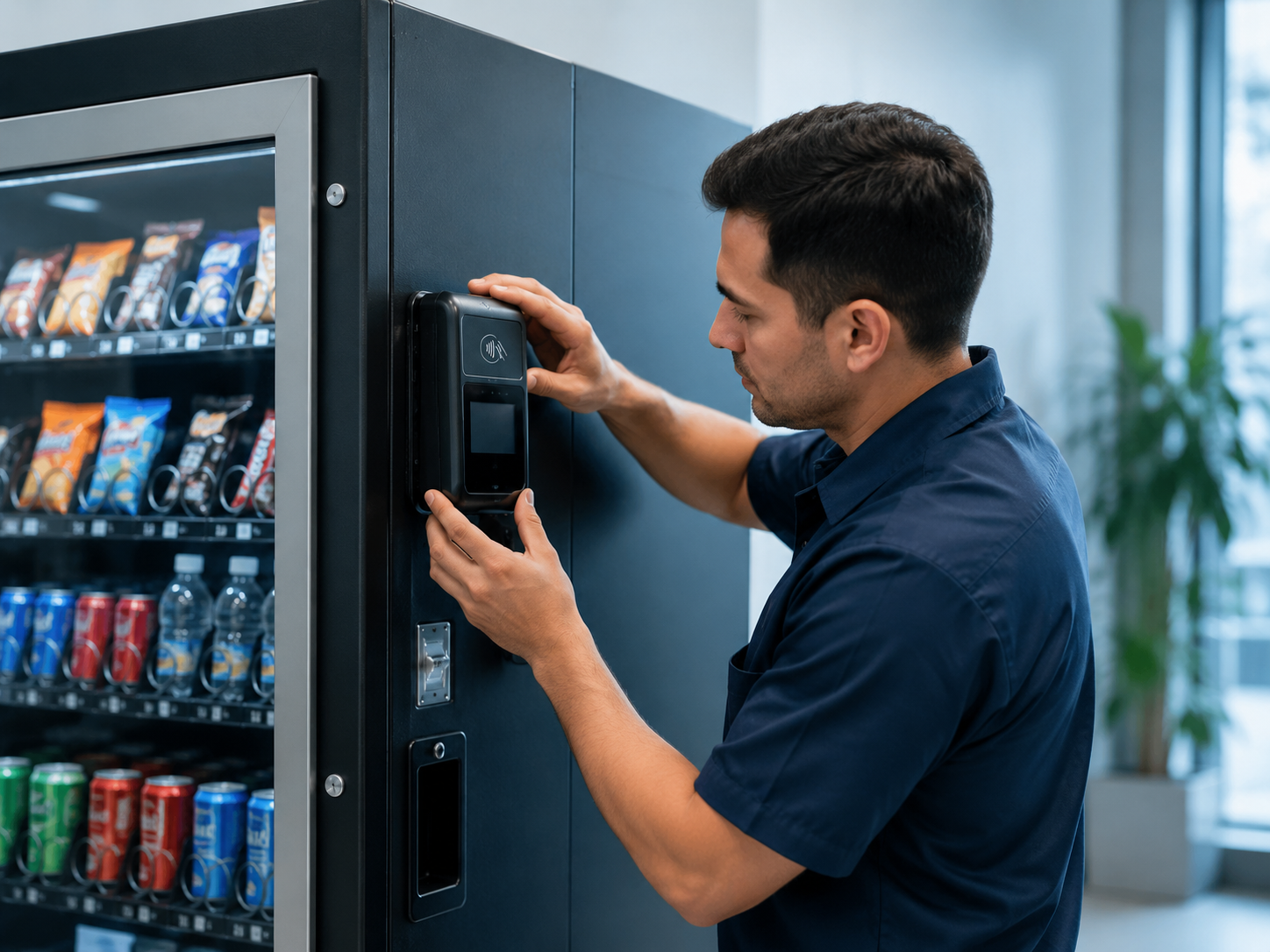
1Install Device
Mount the device at the designated location on your machine.
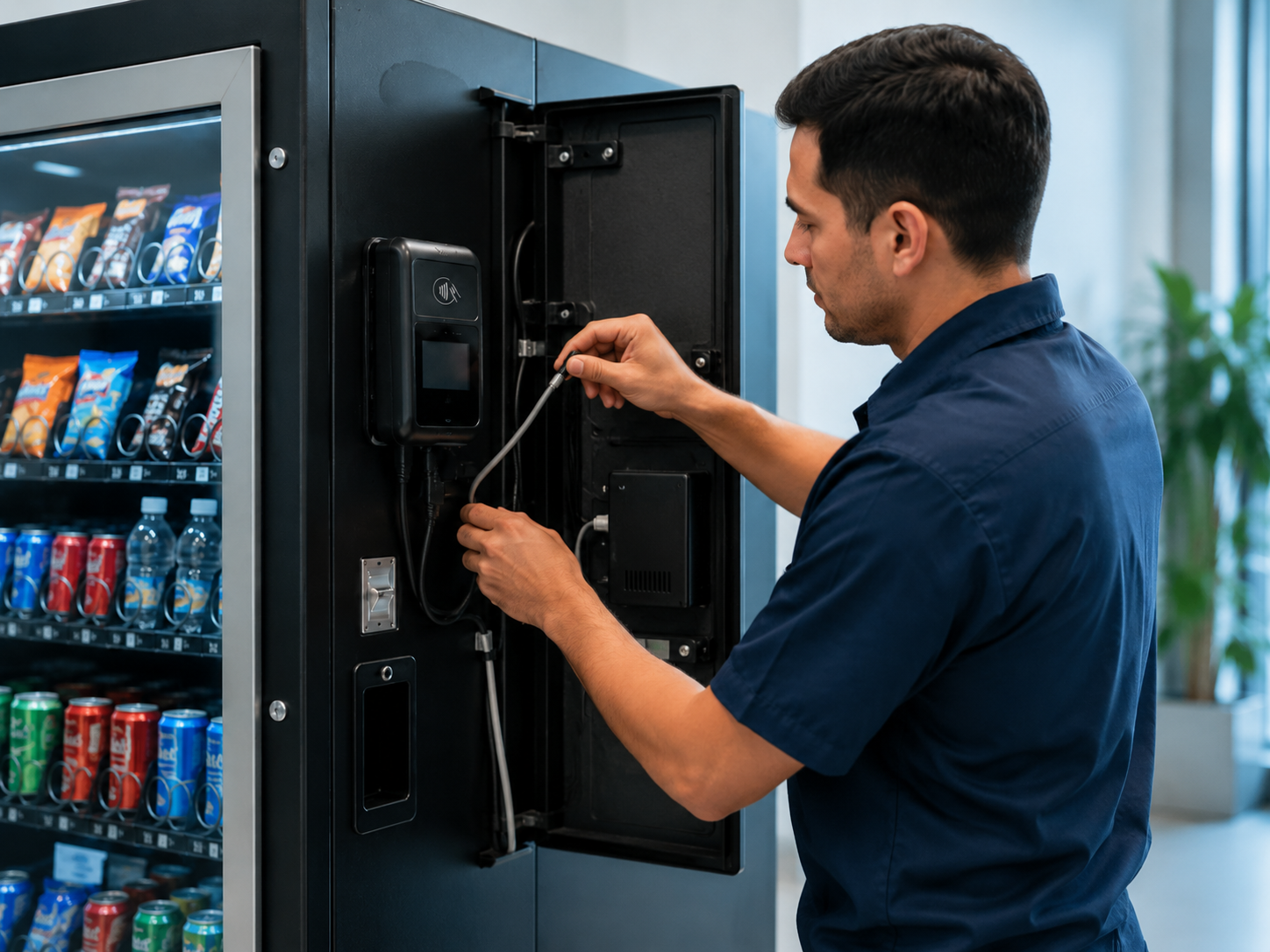 2
2Connect Power
Connect the device to the power supply and network.
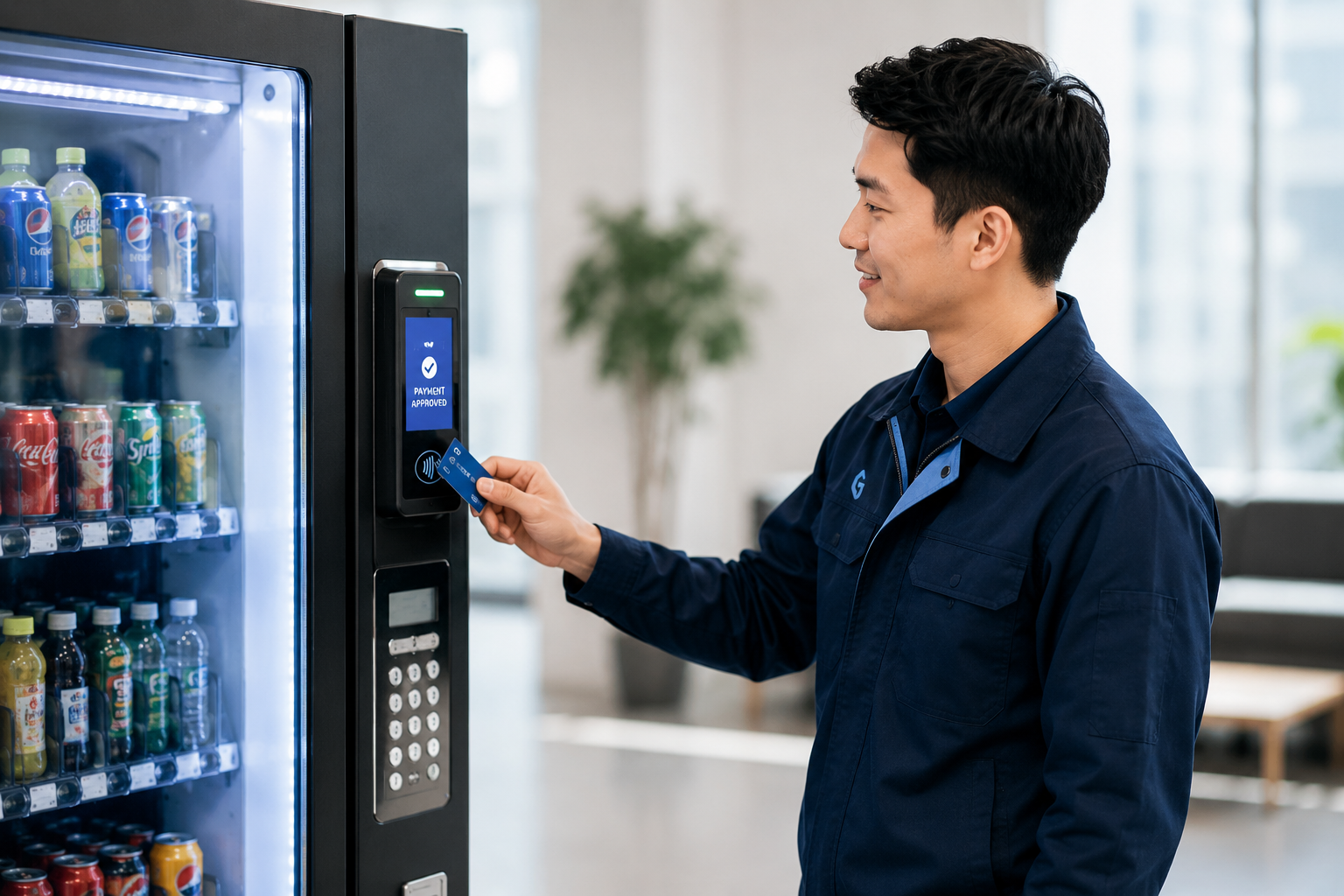 3
3Start Receiving Payments
Your device is ready to accept cashless payments.
Step 3
Device Tutorial Center
Step-by-step video tutorials and guides for your device.
Gest 2.0
How to Make Payment
- 1Select the product on the machine.
- 2Scan the QR code with your e-wallet app.
- 3Confirm the payment on your phone.
- 4Wait for payment confirmation.
- 5The machine will dispense the product.
Step 4
How Customers Pay
Different payment methods, the same simple steps.
QR Payment
- Select Product
- Scan QR Code
- Payment Approved
- Product Dispensed
Card Payment
- Tap Card
- Payment Approved
- Product Dispensed
E-Wallet Payment
- Open E-Wallet
- Scan QR Code
- Payment Success
- Product Dispensed
Step 5
Troubleshooting
Find solutions to common issues quickly.
- Payment Not Received
- QR Code Not Showing
- Device Offline
- Machine Not Dispensing
- Network Error
- Terminal Restart
- E-Wallet Payment Failed
- Card Rejected
Ready to Upgrade
Talk to Us About Your Cashless Payment Setup
Looking for a cashless QR and e-wallet payment system in Malaysia for vending machines or dobi operations? Speak with our team for device recommendation, integration support and installation guidance.